

Snapdeal Auto Listing Tool: List Products on Snapdeal Faster with AI (2026)
What a Snapdeal auto listing tool should do, the 3 ways to list products on Snapdeal, and how Snapdeal Super Flow fills the Snapdeal form from your product photos and saves it as a draft.
Listing a product on Snapdeal means filling a long form: category, brand, product name, description, keywords, color, material, package size, weight, SKU, price and up to a dozen photos. If you list often, that form takes most of your day. In this guide we look at what a Snapdeal auto listing tool should do, the ways sellers list on Snapdeal today, and how Snapdeal Super Flow fills the Snapdeal form from your product photos and saves it as a draft.
What is a Snapdeal auto listing tool?
A Snapdeal auto listing tool (also searched as "Snapdeal autolisting tool") is software that fills the Snapdeal seller panel's product form for you. Instead of typing every field, you give it your product details and photos, and it writes the title, description and category fields and creates the listing in your Snapdeal account.
A good one should do these six things:
- Use Snapdeal's real categories and form. Every Snapdeal category has its own fields and dropdown options. A fixed template breaks when Snapdeal changes them.
- Check your brand first. Snapdeal only lets a brand list in categories it is approved for.
- Write a unique title and description. Copy-pasted text does not help buyers find your product.
- Answer dropdowns with Snapdeal's own options. A value Snapdeal does not accept gets your listing rejected.
- Never invent your business details. Brand, SKU, MRP, price, stock and manufacturer details must come from you.
- Keep you in control. The listing should be saved as a draft that you check before sending it for QC.
3 ways to list products on Snapdeal
1. Manual single listing in the Snapdeal seller panel
You open Snapdeal's Single Listing page, search a category, enter your brand, fill every field and upload photos one by one. It costs nothing and works for a few products, but it is slow, and it is easy to pick a wrong dropdown value or skip a field that later gets the listing rejected.
2. Snapdeal bulk upload with a template
Snapdeal's seller panel also lets you list many products with a category template file. This suits sellers who already keep product data in a spreadsheet. You still write every title and description yourself, and every value has to match Snapdeal's allowed options. The steps change from time to time, so follow the current instructions in your panel.
3. Snapdeal Super Flow (AI from your product photos)
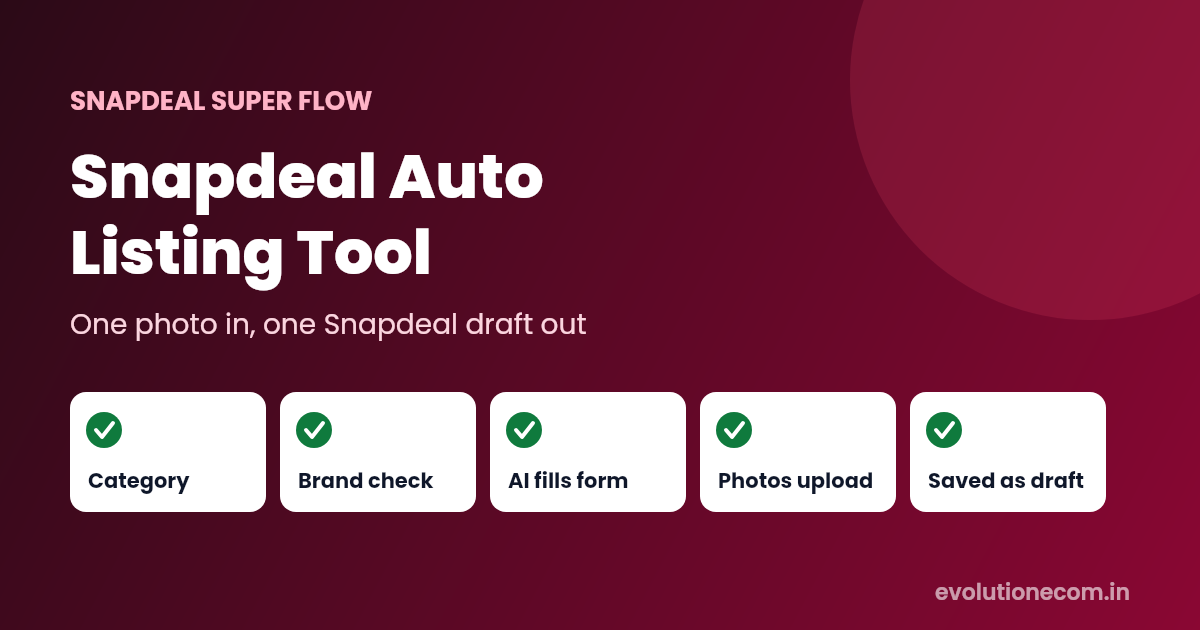
Snapdeal Super Flow is the Snapdeal listing automation inside EvoFlow, which runs in the Evolution Edge desktop app. It works on the Snapdeal seller panel you are already logged into, uses Snapdeal's own form for your category and brand, and lets Auto Fire, EvoFlow's AI, fill that form from your product photos.
How Snapdeal Super Flow works: 5 steps
- Pick a category. Type what you sell and choose from Snapdeal's own category list.
- Enter your brand. EvoFlow checks your brand with Snapdeal and loads that category's real form for it. Use your brand exactly as it is registered on Snapdeal.
- Add photos and press Auto Fire. Add up to 12 product photos. Auto Fire reads them and fills the product name, description, search keywords, color, material, package size and weight and the other category fields.
- Enter your own details. SKU, MRP, selling price, stock and the manufacturer, packer and importer details are yours to type. EvoFlow uses them exactly as entered.
- Save as a draft. EvoFlow uploads your photos, runs Snapdeal's own SKU, price and package-size checks, and saves the listing as a draft in Snapdeal under Catalog, Track Listing, Drafts.
What Auto Fire writes for Snapdeal
| Field | Who fills it |
|---|---|
| Product name (title) | Auto Fire, a keyword-rich title of about 80 – 150 characters |
| Product description | Auto Fire, one clear paragraph |
| Generic keywords | Auto Fire, comma-separated search keywords |
| Color, material and category fields | Auto Fire, using only Snapdeal's own options |
| Package length, width, height and weight | Auto Fire, realistic packed values you can change |
| Brand, SKU, MRP, selling price, stock | You |
| Manufacturer, packer, importer details | You |
Realistic package size and weight matter more than most sellers think. Snapdeal charges shipping on the higher of the actual and volumetric weight, so a wrong box size can push an order into a costlier slab. Our guide to Snapdeal commission and shipping charges explains the slabs.
Why sellers use an auto listing tool for Snapdeal
- Less typing. The longest fields, the title, description and keywords, are written for you from the photo.
- Fewer rejections. Dropdowns are answered only with values Snapdeal accepts, and Snapdeal's own SKU, price and package-size checks run before the draft is saved. If Snapdeal refuses something, you see Snapdeal's message and can fix it.
- Better search visibility. A descriptive title and real search keywords help buyers find the product on Snapdeal.
- No API or developer account. It works through the seller panel you already use at seller.snapdeal.com.
- One tool for three marketplaces. The same EvoFlow app also lists on Meesho and Flipkart.
Tips for better Snapdeal listings
- Use clear photos on a plain background. Auto Fire writes from what it sees. The free AI Background Remover in Evolution Edge helps.
- Put the main photo first. The first photo becomes the listing's main image.
- Use a new SKU without spaces. Snapdeal refuses a SKU that already exists or contains spaces.
- Read the title once before you submit. You know your product best. A quick check catches a wrong size or material.
- Measure the packed parcel. Change the package size and weight if your real box is different.
What does it cost?
Evolution Edge is free to download, and Snapdeal Super Flow is included in every EvoFlow plan. Each Snapdeal draft uses one listing from your plan's monthly allowance, the same allowance as Meesho and Flipkart, so you can use it on any mix of the three. Auto Fire uses your monthly Auto Fire runs. See current prices on the EvoFlow plans page.
Frequently asked questions
What is the best auto listing tool for Snapdeal?
It depends on how you work. If your product data is already in a spreadsheet, Snapdeal's own bulk upload can be enough. If you want the title, description, keywords and category fields written for you from product photos, a photo-based tool like Snapdeal Super Flow saves the most typing.
Does Snapdeal Super Flow publish products automatically?
No. Every listing is saved as a draft in your Snapdeal seller panel. You review it and send it for QC yourself.
Do I need Snapdeal API access?
No. It works through the Snapdeal seller panel you are logged into inside Evolution Edge.
How many photos can I add to one Snapdeal listing?
Up to 12. The first photo is the main image.
Can I use the same plan for Meesho, Flipkart and Snapdeal?
Yes. One EvoFlow plan covers all three, and the monthly listings are shared, so you can spend them on any marketplace.
Start listing on Snapdeal faster
Download Evolution Edge, open EvoFlow, choose the Snapdeal tab and save your first draft. You can read more about the feature on the Snapdeal Super Flow page.
Snapdeal is a trademark of its owner. Evolution Edge is an independent seller tool and is not affiliated with or endorsed by Snapdeal.